File content area
Each XML file opened in the editor shows an editor tab:
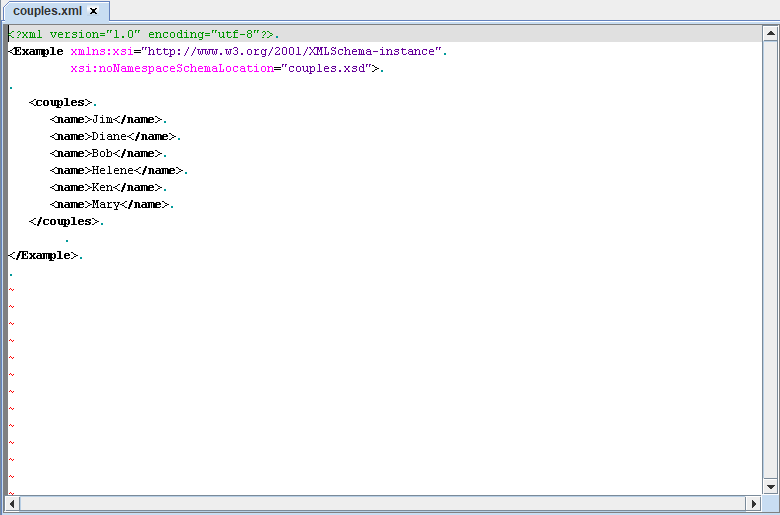
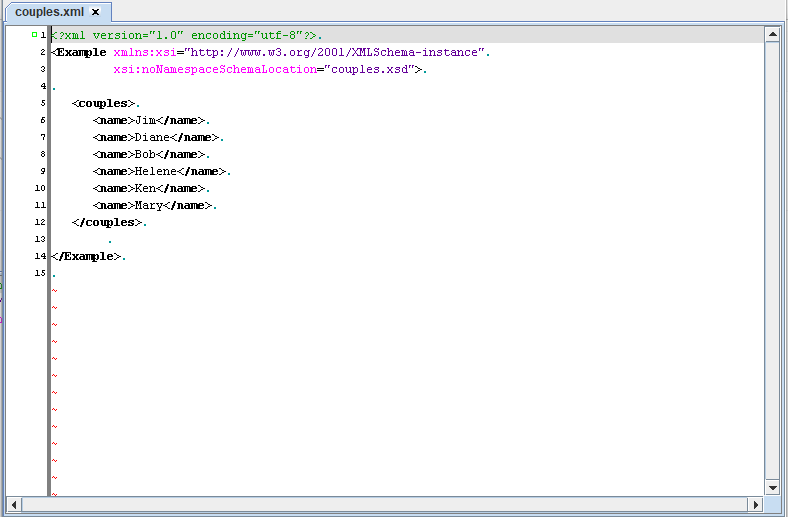
Extending the gutter area shows the lines in the file:
The following actions are supported:
Extending the gutter area shows the lines in the file:
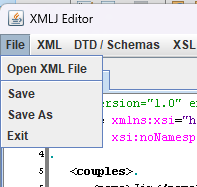
Saving the content of the file
It is possible to edit the file and then save the edited content by the Save or Save As action in the File menu:
Actions in the file content area
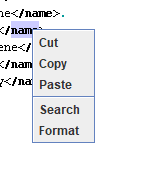
By right clicking on the area, the following Popup menu will appear:
The following actions are supported:
- Cut: Cut the selected content. It can also be activated by CTRL+X
- Copy: Copy the selected content. It can also be activated by CTRL+C
- Paste: Paste the Cut or Copied content. It can also be activated by CTRL+V
- Search: Search for a text. It can also be activated by CTRL+F
- Format: Format the text
- CTRL+Z performs an undo
- CTRL+Y performs a redo
See also
- GUI interface: This article is about the GUI interface of the application
Categories: General